Table of Contents
Charging the Sensors
Equipment
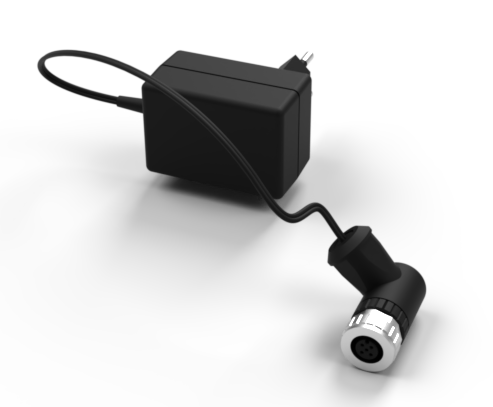
What is it used for?
This device is used to charge the sensors.
How do I connect the charging equipment
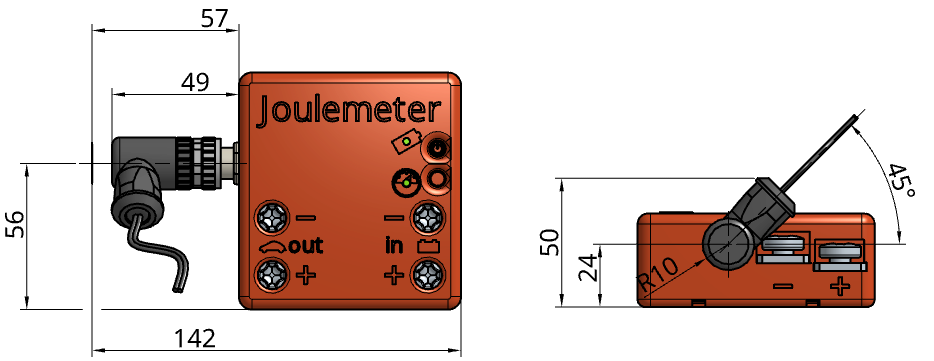
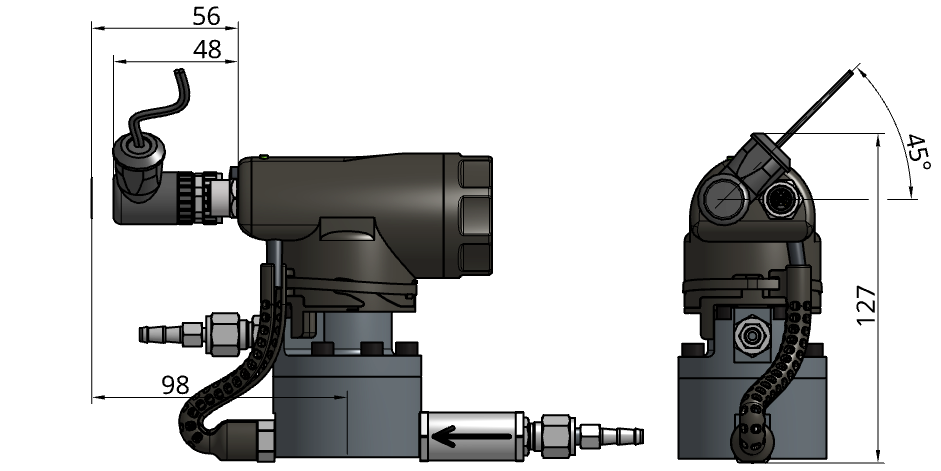
Plug the charging adapter as shown in the figure below. The orientation of the plug must be exactly as depicted:
Connecting to the Joulemeter
Connecting to the Liquid Flow Meter
How do I charge my Sensor?
- Connect the charging equipment to the power outlet.
- Connect the charging equipment to the sensor.
 Make sure not to bend the pins
 - Turn on the Sensor (The sensor must be on for the battery to charge.)
- (Ignore for LFM) To initiate charging mode on a Joulemeter press the Function button on the Joulemeter for 5sec.
- The Sensor's battery LED will be blinking as long as charging is in progress.